AnythingLLM Desktop
The main local app handling the workspace, agent skills, retrieval settings, and file access.
Field Notes
A practical experiment in turning a local markdown folder into a lightweight memory system with AnythingLLM, Ollama, and a little less workflow chaos.
A working field note on lightweight local retrieval, memory, and AI workflow behavior.
1. Why I wanted this
A lot of “personal knowledge” setups look impressive right up until you have to actually use them. Then you end up buried in categories, overthinking folders, or wondering why your AI assistant still cannot remember something simple like a birthday or a note you saved yesterday.
This experiment started with a pretty basic question: can a local AI setup read and write a small markdown knowledge base in a way that feels practical for normal life and normal work?
Not a giant second-brain system. Not an enterprise search platform. Just a simple local RAG that can help store notes, retrieve them later, and stay out of its own way.
2. What the setup actually is
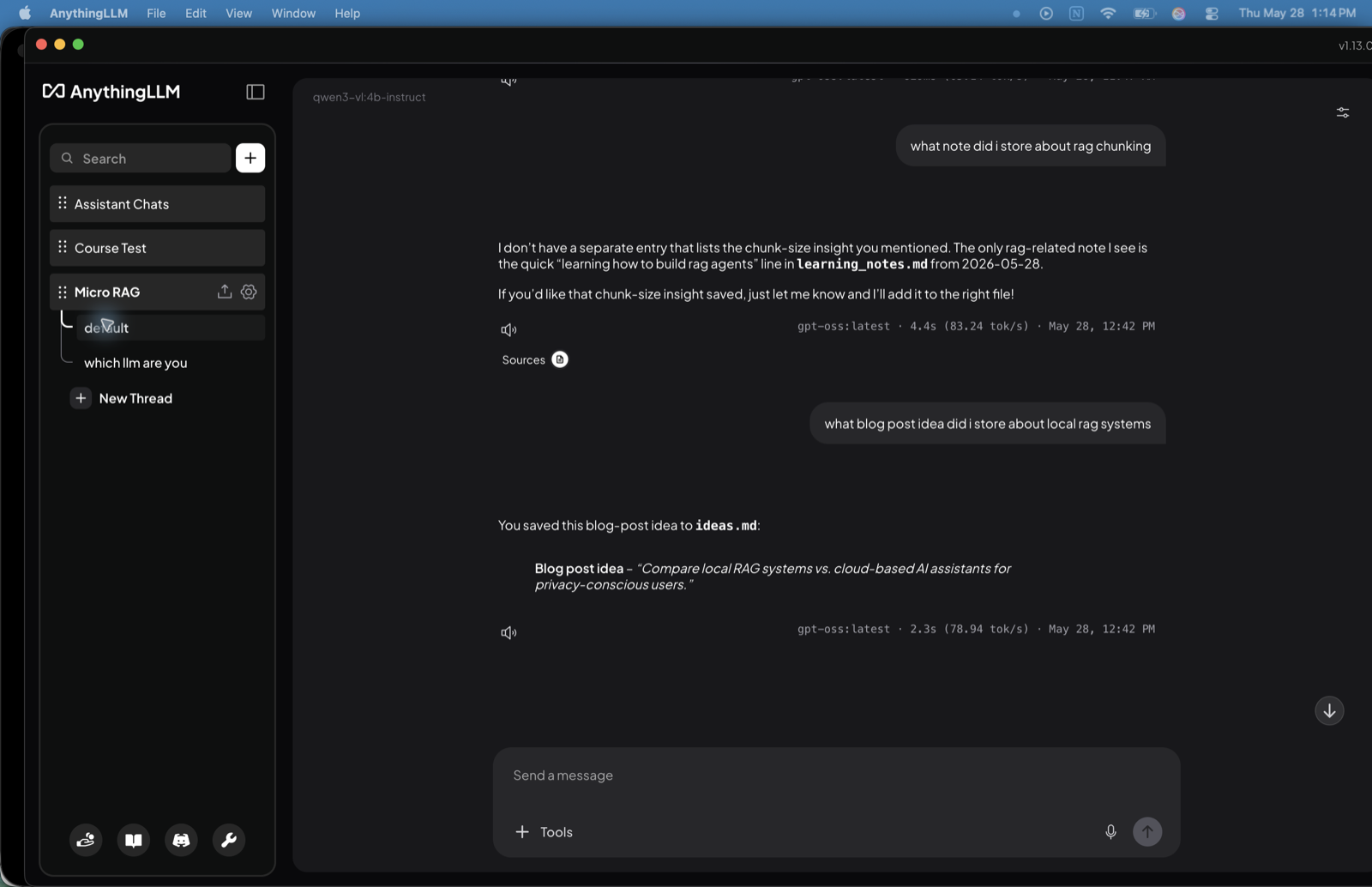
The main local app handling the workspace, agent skills, retrieval settings, and file access.
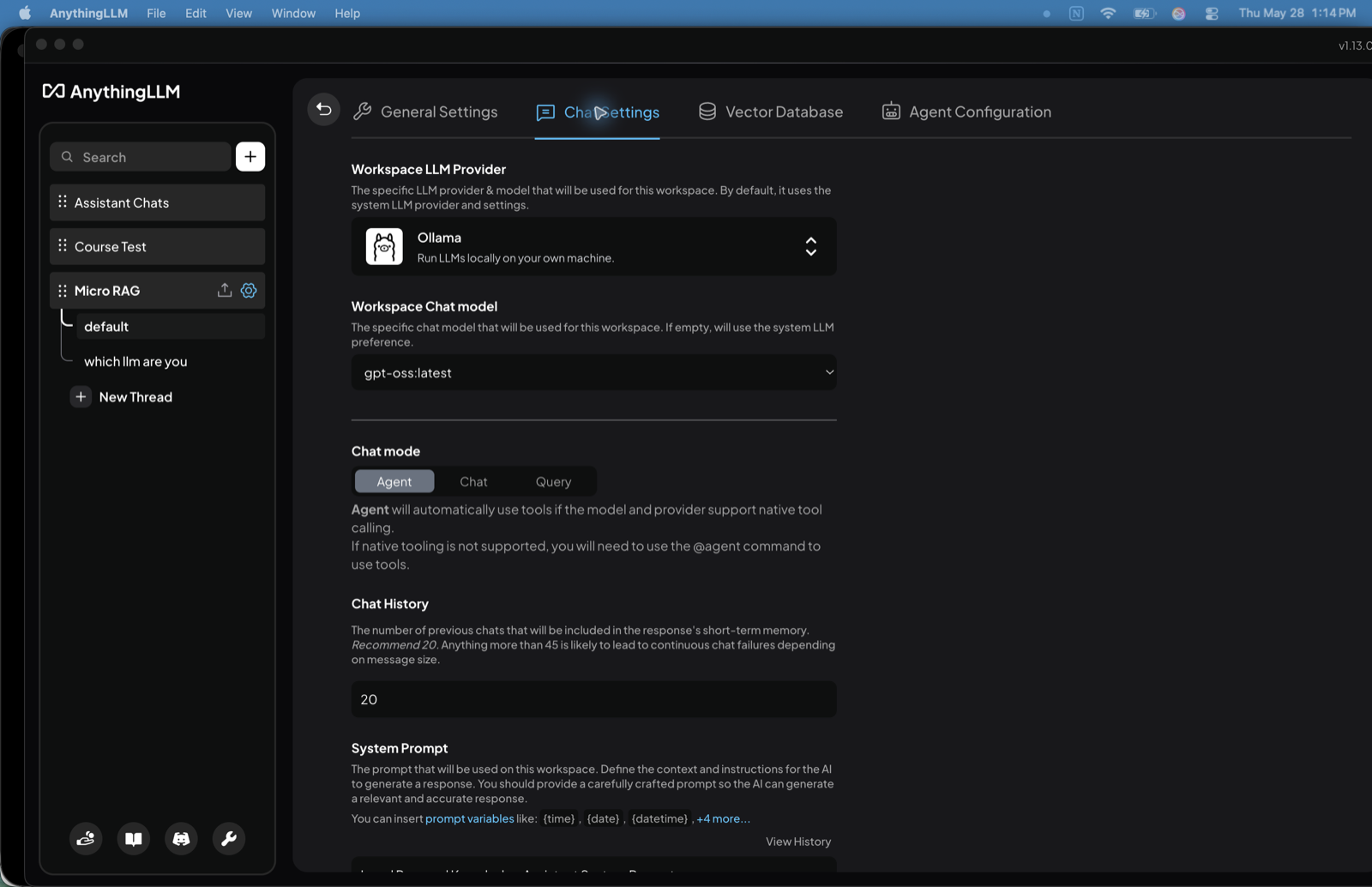
The local model layer powering the workspace and agent behavior.
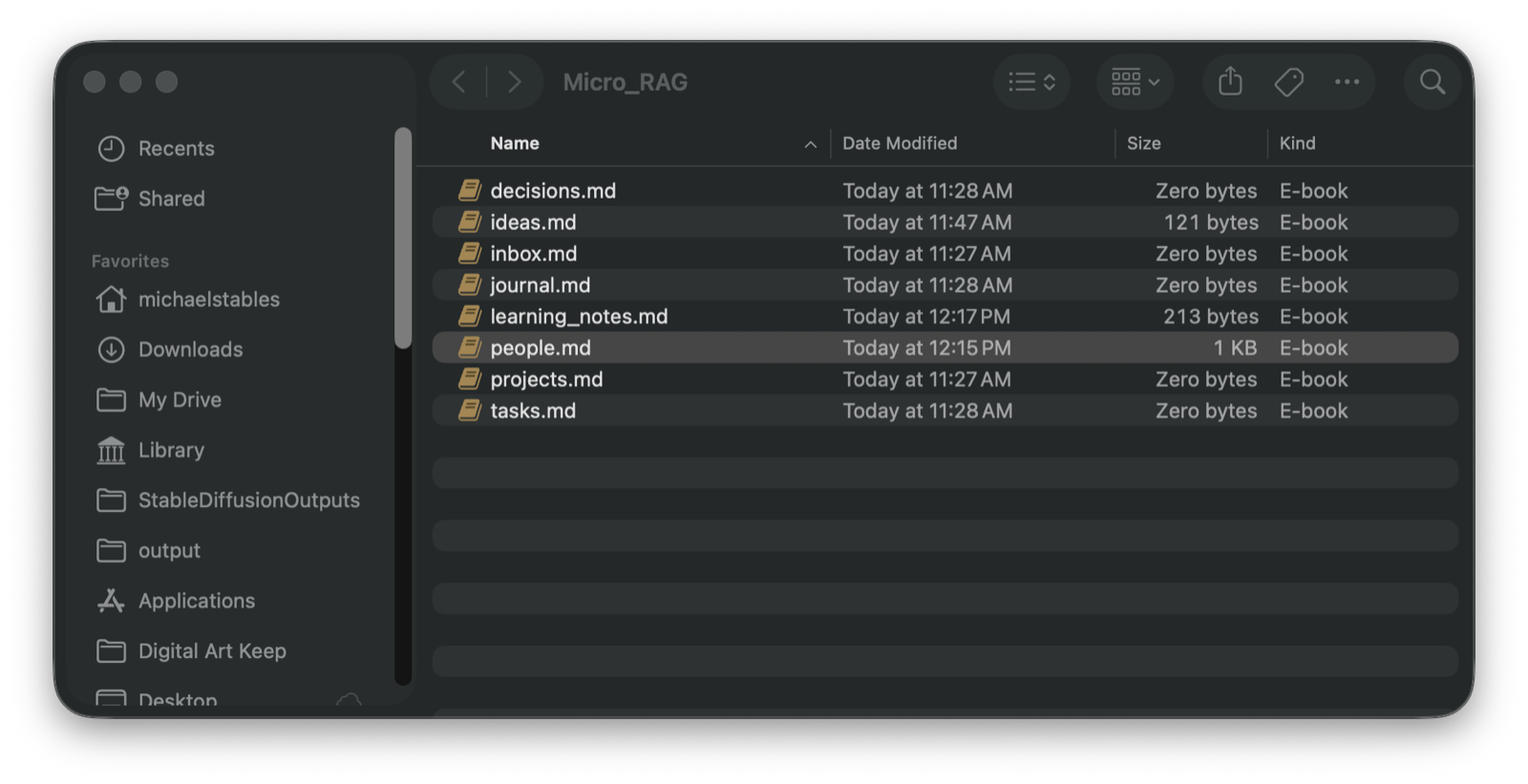
A small folder with files like people.md, ideas.md, and learning_notes.md.
The key permission layer that lets the agent actually read and update those markdown files.
The important part is that the setup is local end to end. The notes live in normal markdown files. The models run through Ollama. The workspace can retrieve across the folder and, if configured properly, write back to the right place.
3. What actually worked
The system could read people.md and answer questions like when someone’s birthday is or how many birthday entries were stored.
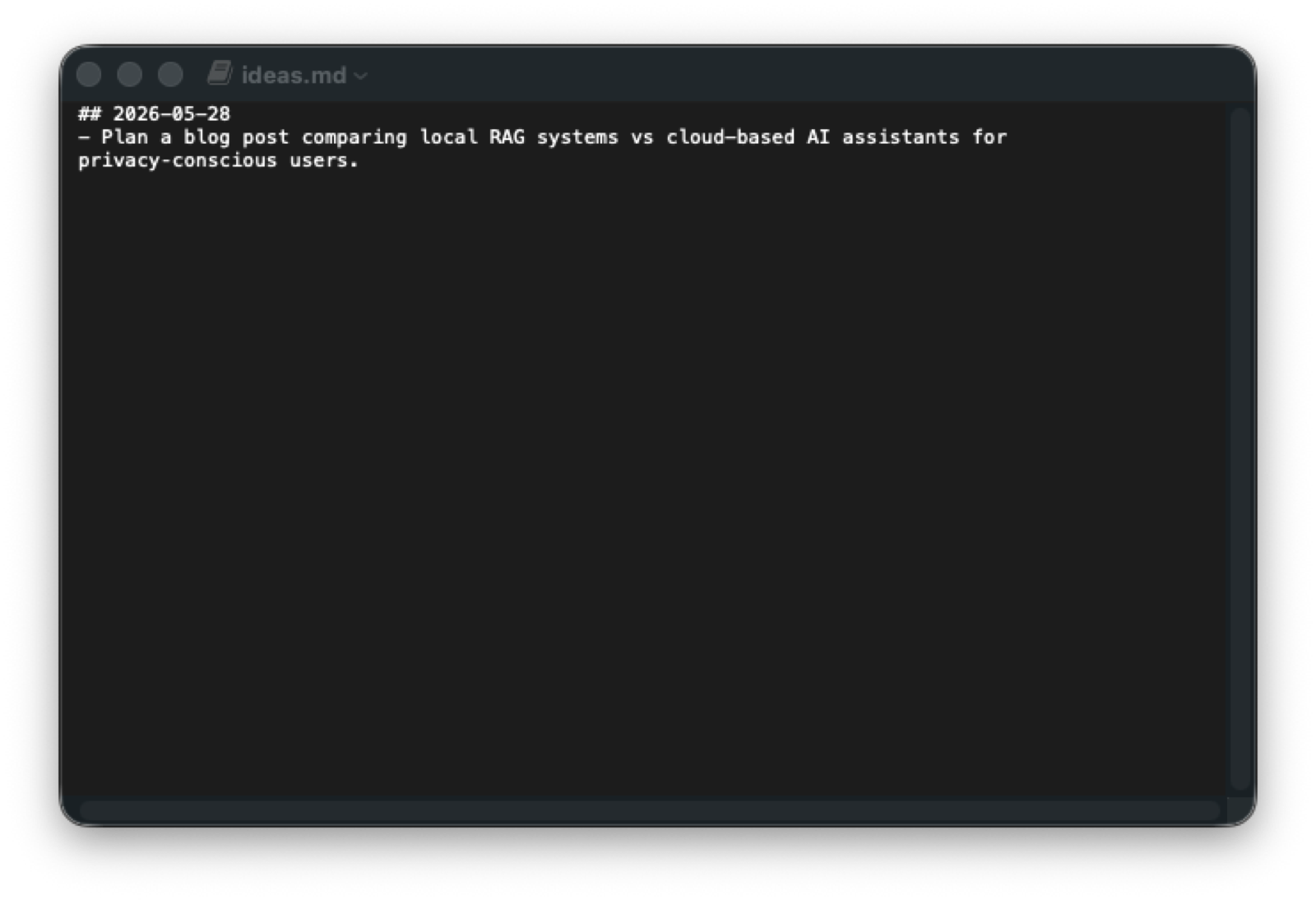
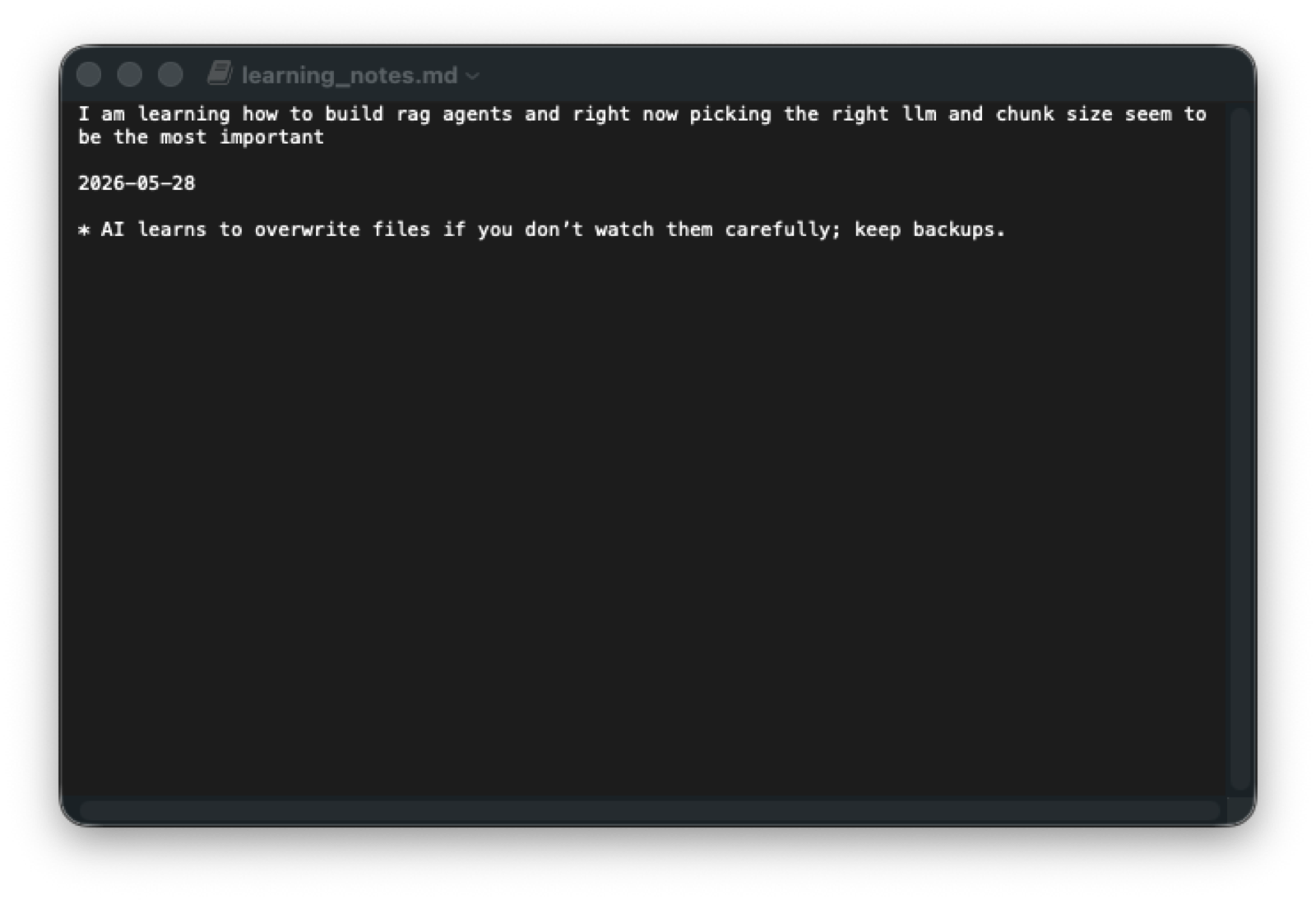
It could pull from the right file depending on the question, like ideas.md for a blog idea or learning_notes.md for a chunking note.
After prompt updates, it could append new entries to existing files instead of treating every note like a rewrite job.
It could answer a broader question about RAG or AI agents by surfacing notes from more than one markdown file.
That is the point where the experiment started feeling real. Not perfect, but real. Once it could save, preserve, and retrieve notes from a lightweight markdown folder, it stopped feeling like a toy and started feeling like something you might actually keep using.
4. Why it finally started working
The biggest lesson from this setup is that local RAG behavior depends on more than whether the model can answer questions.
The model has to support tool use well enough to read files, write files, and behave consistently around memory tasks. In this setup, gpt-oss:latest became the practical working choice because it could actually handle that loop.
The other big piece was the system prompt. The working prompt gives the assistant clear rules around:
That last one mattered more than I expected. Sometimes workflows turn into spaghetti. Sometimes models turn into overly confident file editors. It happens.
5. Where it still breaks
Some models can chat just fine and still fall apart the moment file tools are involved.
If append and preserve rules are vague, file writes can get weird fast.
Chunking, file structure, and context settings still matter more than most people want them to.
If the agent stores everything too aggressively, you end up with noisy notes instead of useful memory.
So the current version is not “set it and forget it.” It is more like: set it up carefully, pressure test it, and give the assistant better operating rules than you think it needs.
6. Why this experiment matters
A lot of AI memory tooling gets framed in extremes. Either it is a huge enterprise knowledge stack, or it is a messy little demo that never survives real use.
What interests me more is the middle ground: small local systems that help normal people remember useful things, store rough notes, and retrieve them later without needing a giant app stack to make it work.
That is what makes this experiment worth documenting. It is a very ordinary use case, which is exactly why it matters.
If this keeps improving, it could feed future work around: